
Registration & Login
TIP
Before registering, be sure to read our Terms of Service and Privacy Policy.
Upon launching the software, register your RoxyBrowser account. Supported registration methods include:Email,Third-party platforms (e.g., Google).
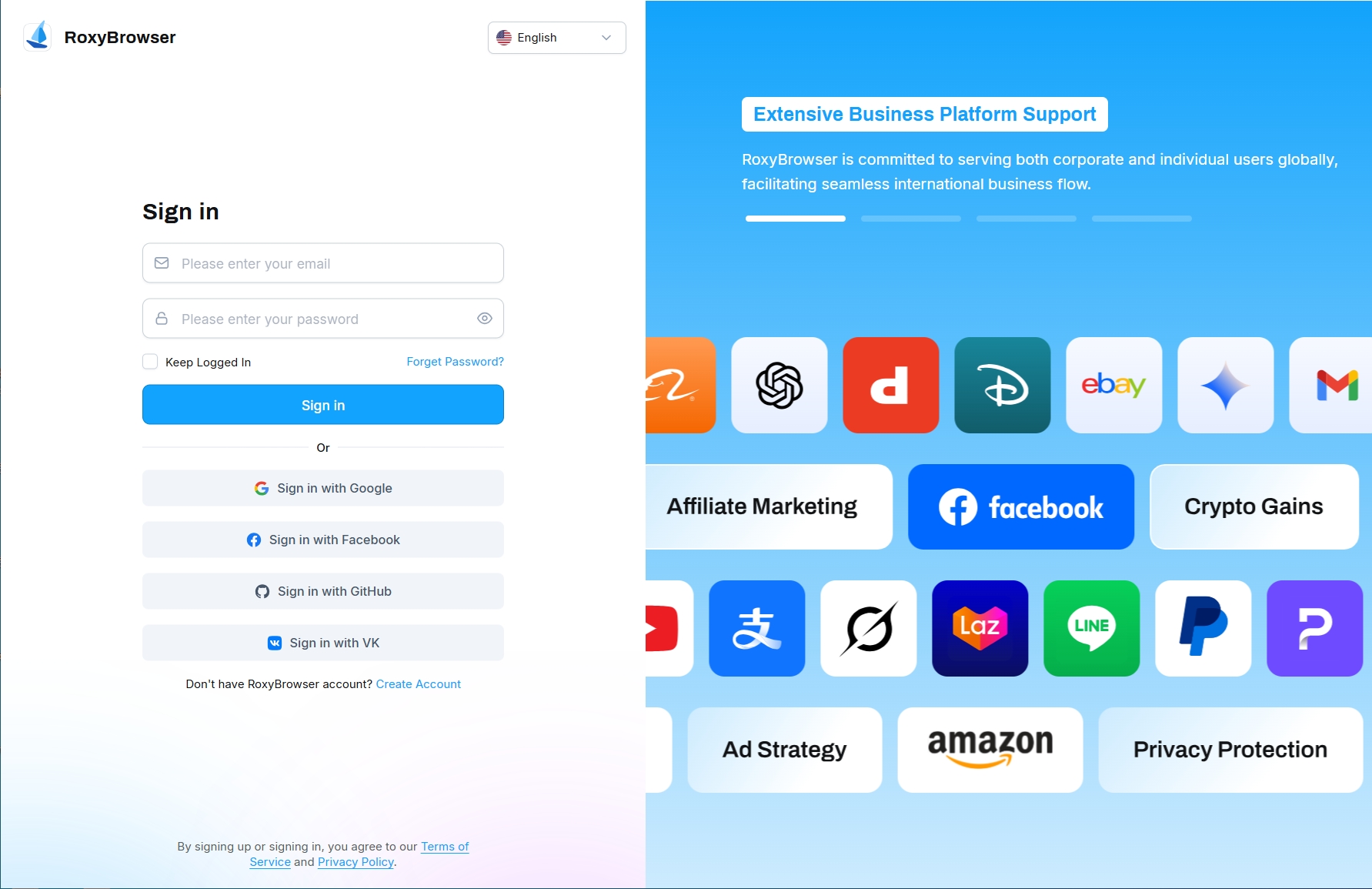
- Click 'Create Account'. Sign up via email.

WARNING
Do not use temporary email addresses or emails containing special characters (e.g., "-", "."). Please register with a standard email provider such as Gmail or Outlook.
Register via third-party platforms such as Google.

Forget Password
- If you forgot your password, you can use the password reset option.
Click "Forgot Password?" to access the password reset menu. Enter your account email address, then click "Go to Verify". We will then send a 6-digit verification code to your email. After entering the code and clicking "Next", set and confirm your new password. Upon successful reset, you will be returned to the login screen with a pop-up notification confirming the password change. You may then log in using your new password.
If you have any questions during the registration or login process, please refer to Register and login FAQ.